Original project design: Lajapathy. Later proposals retain their labels.

Meeting workspace | Shipped product

Z-Meet: Meetings, Notes & Follow-Ups

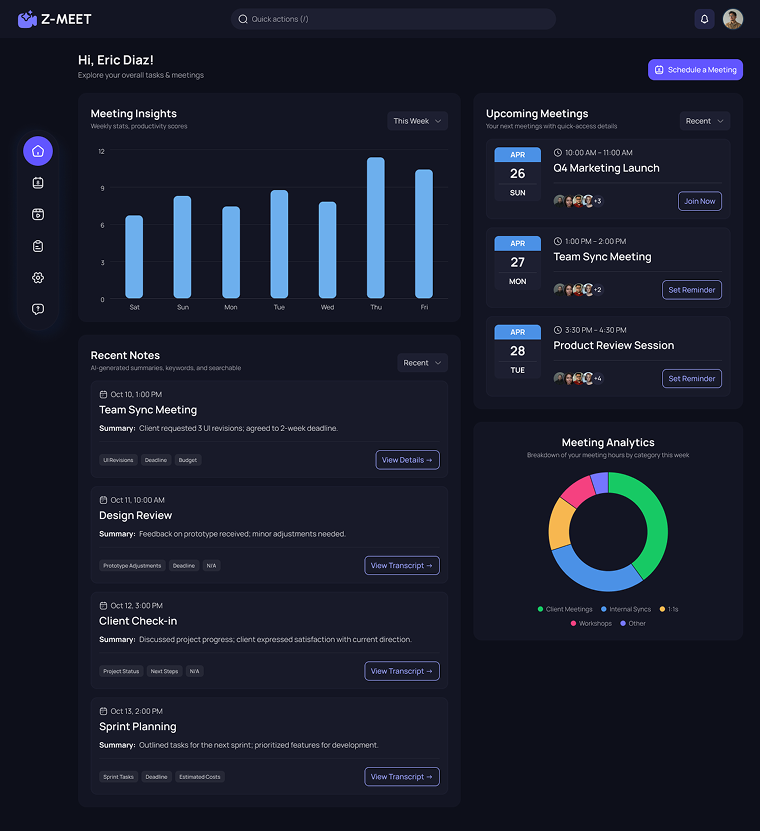
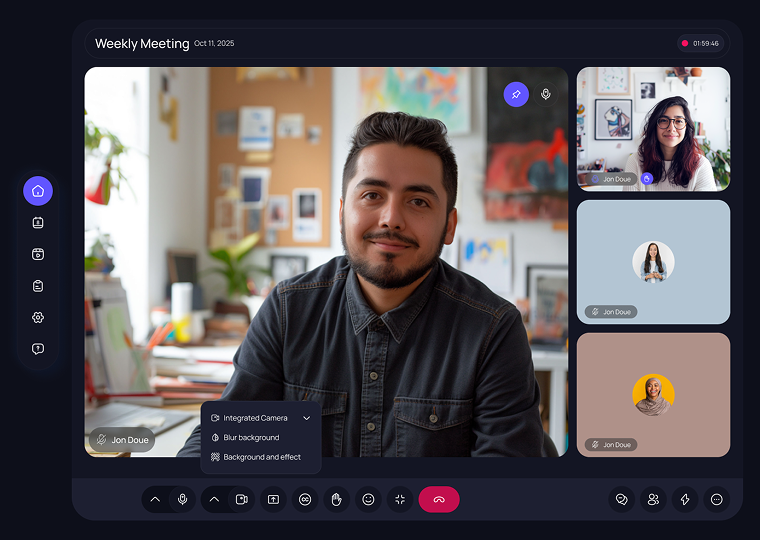
The original design covers a meeting workspace that brings the dashboard, calendar and list views, meeting records, notes and the video-call layout into one product.
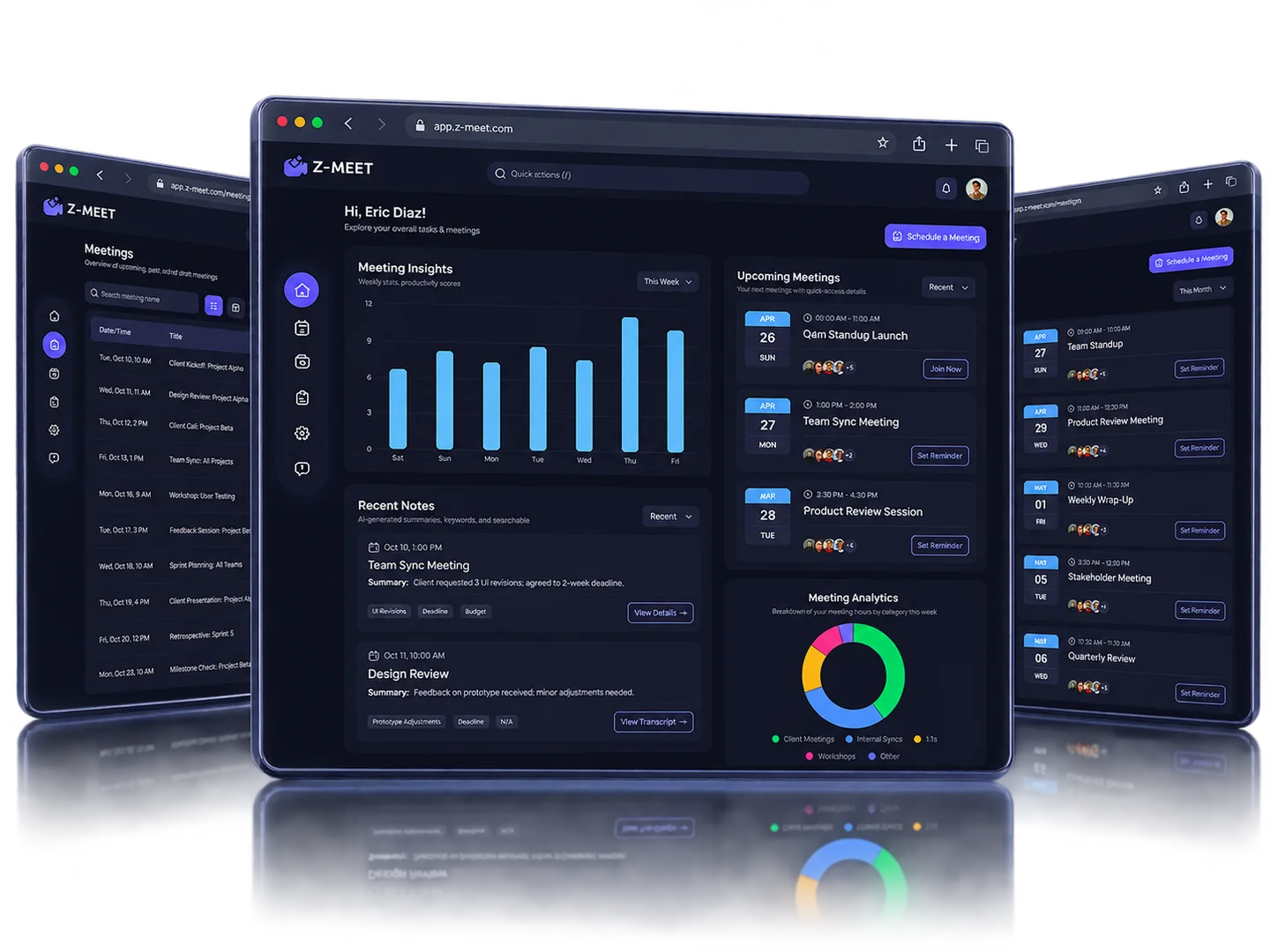
Meeting workspaceMeeting dashboard · Calendar view · Meeting list
Z-Meet workspace for meetings and notes

PROJECT AT A GLANCE

The essentials.

Design focus
Meeting workspace
Goal
Notes · Call layout
Screen focus
Original interface
Design intent
One home for meetings and what follows them
Skip to project details

FROM THE PROJECT FILES

Inside the original product

Screens from the original product.

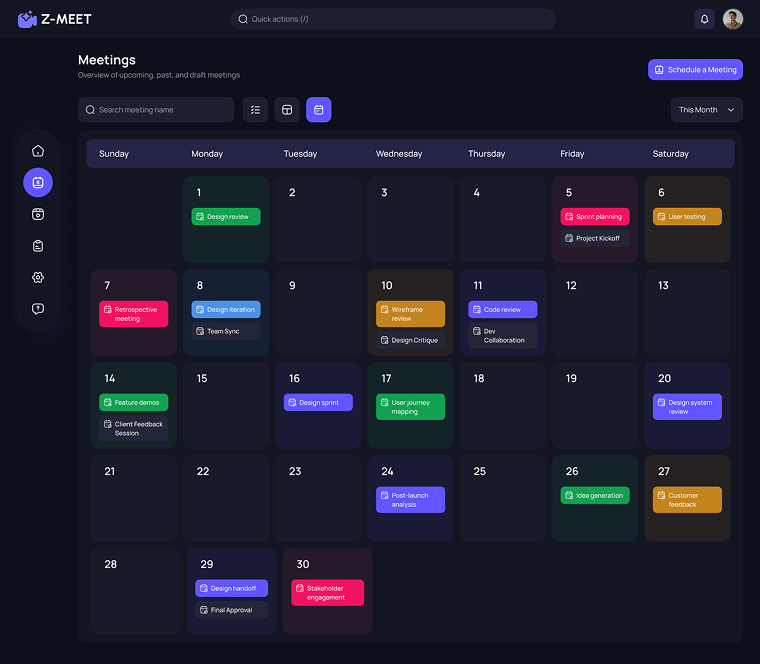
Meeting calendar

Meeting calendar — Z-Meet screen
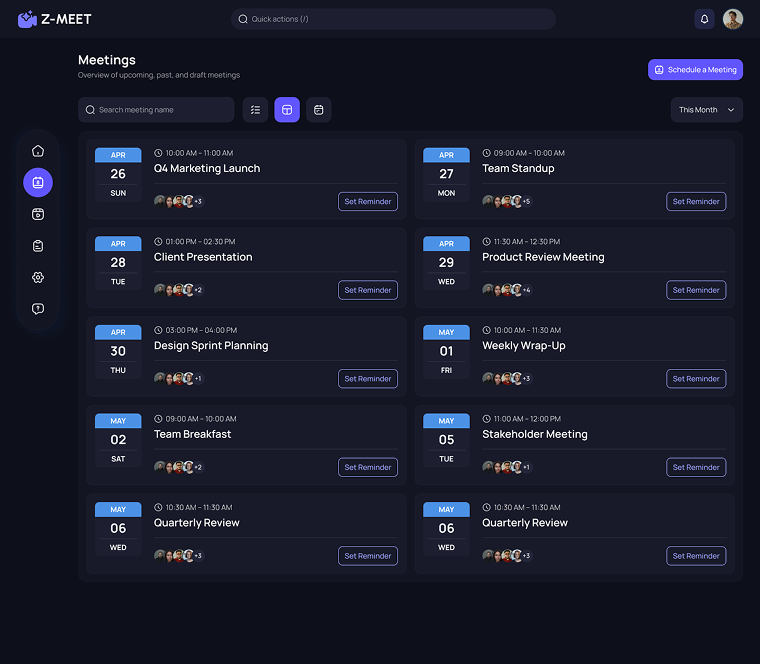
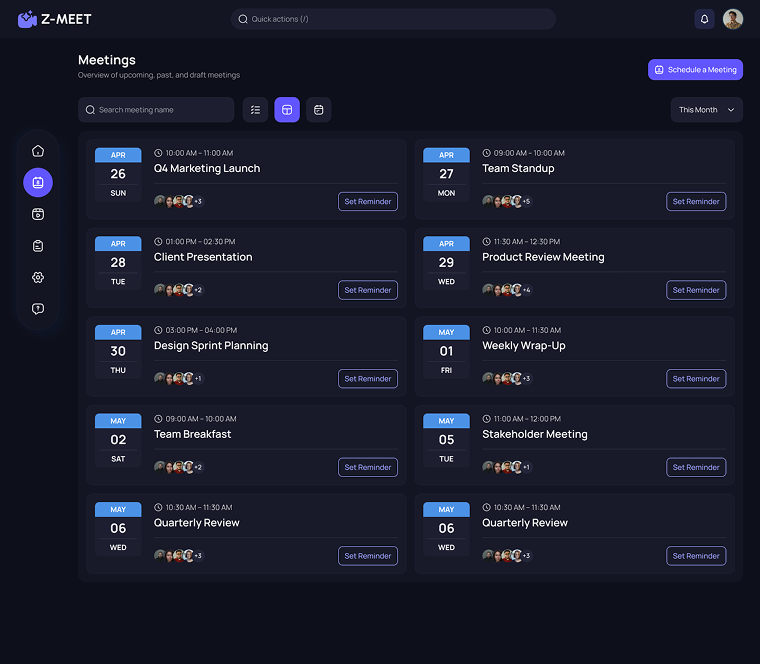
The calendar arranges meeting events within a monthly date grid.

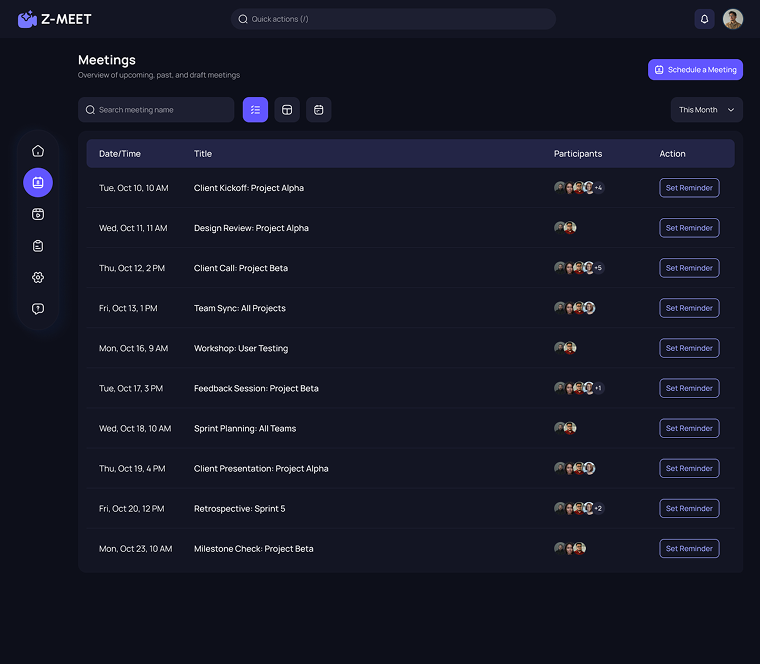
Meeting list

Meeting list — Z-Meet screen
The meeting list exposes event information in rows as an alternative to the calendar.

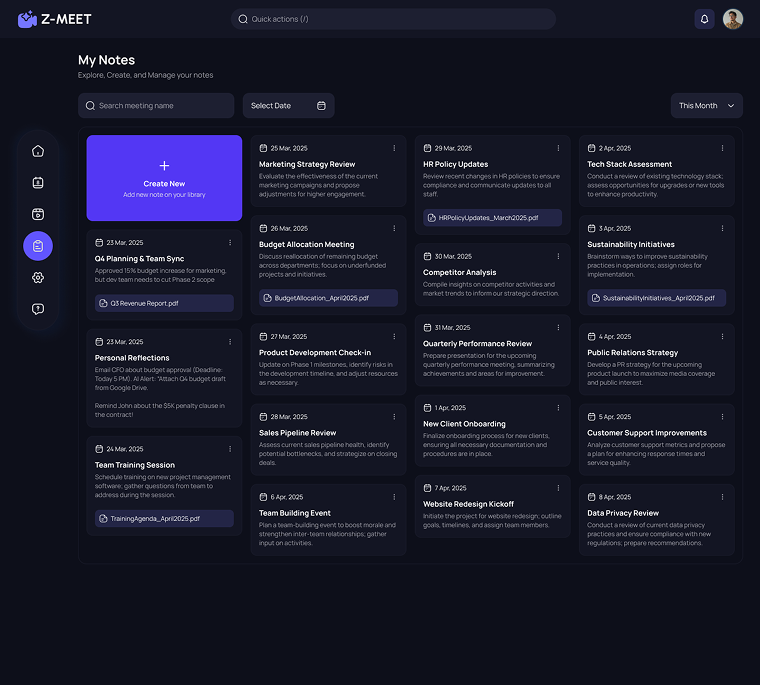
Notes

Notes — Z-Meet screen
Notes are arranged as separate cards with search and organization controls.

SCREEN OBSERVATIONS

Calendar, meetings and notes.

Three structural decisions shape how the workspace holds schedules, records and notes.

01

Meeting and note views

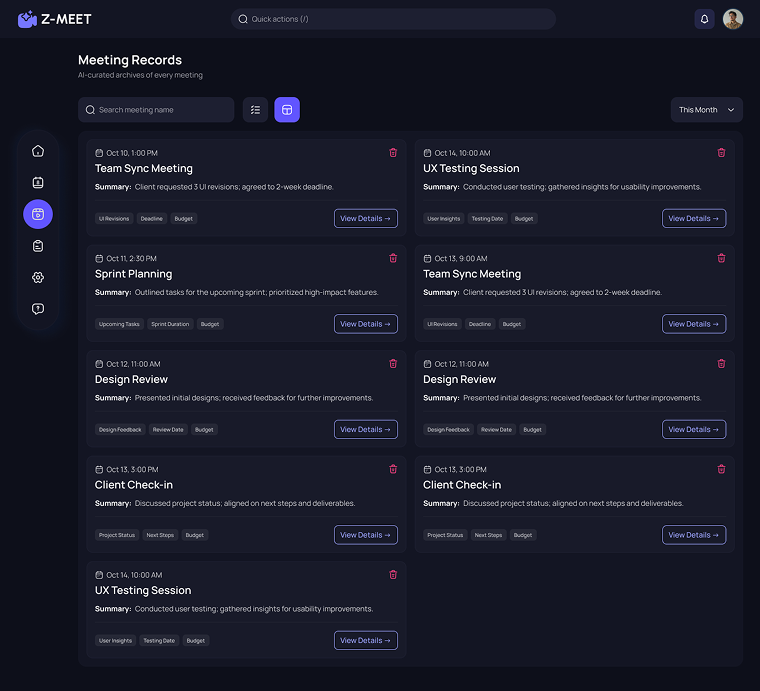
The original design gives meeting dates, meeting records and note cards their own views, so each kind of material has a clear place.

02

Calendar and list

The same meetings appear as a calendar for planning by date and as a list for scanning event details.

03

Notes controls

The original design keeps notes out of the monthly grid and gives them their own search and organization controls.

These observations refer to the original screens.

Experience
Overview

How do schedule views and saved material support returning to a meeting?

  • A dashboard as the starting point for upcoming meetings
  • A calendar view for finding meetings by date
  • A meeting list for scanning event details
  • Meeting records to return to after a call

Design
Focus

  • Orienting people from a single dashboard
  • Moving between calendar and list views of the same meetings
  • Keeping notes and records easy to reach after the meeting ends

Screen
Coverage

How the original screens connect.

Meeting dashboardCalendar viewMeeting listRecordsNotesCall layout

Information
Structure

  • Dashboard: the entry point to upcoming meetings
  • Calendar view: meetings placed in a monthly date grid
  • Meeting list: the same events organized in rows
  • Records: saved meeting material, separate from notes

Where shall we go next?

Discuss a related design challenge with us, or explore another original project.

Discuss a projectNext project: EaterCase studies